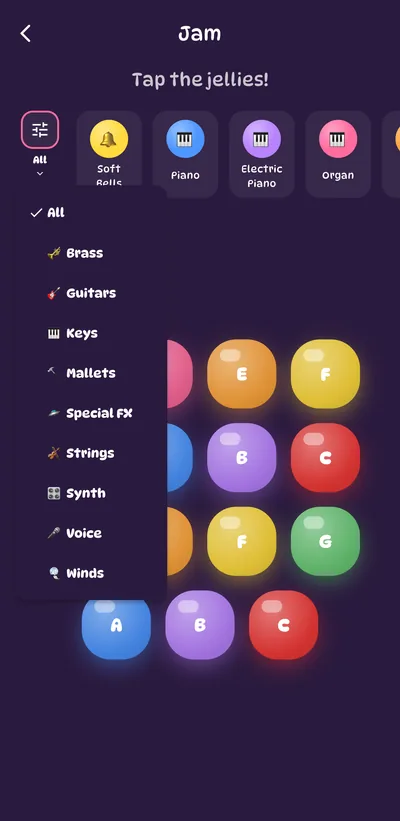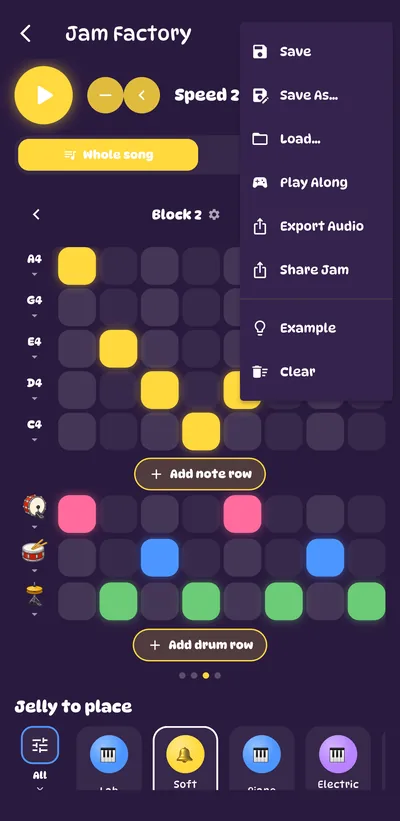
- Tap the jelly pads to play notes. Each pad is a different pitch, and its letter tells you which note it is.
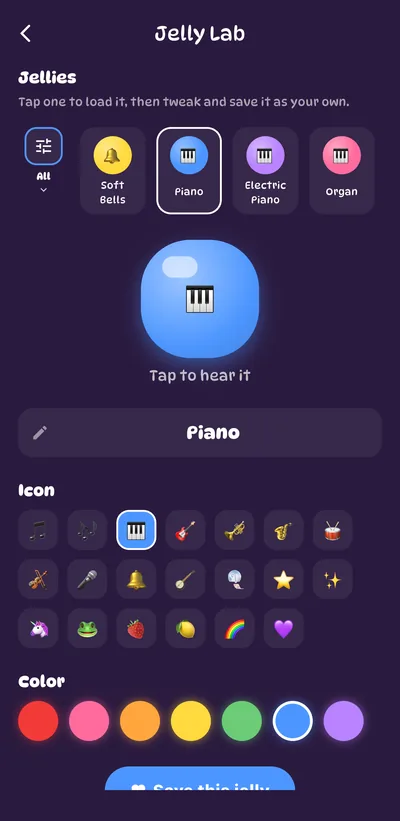
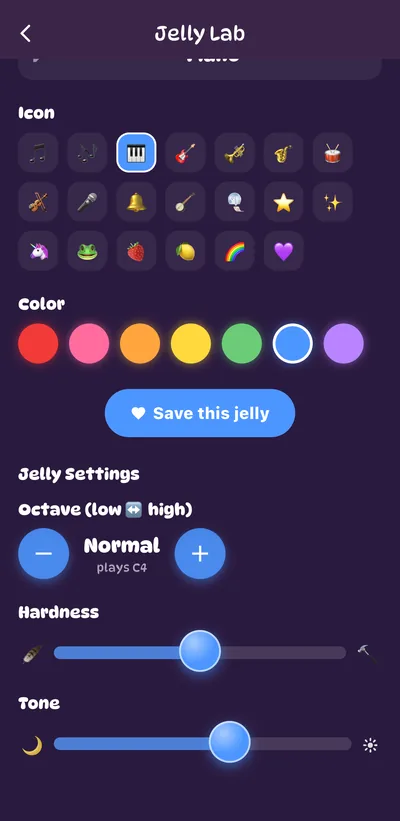
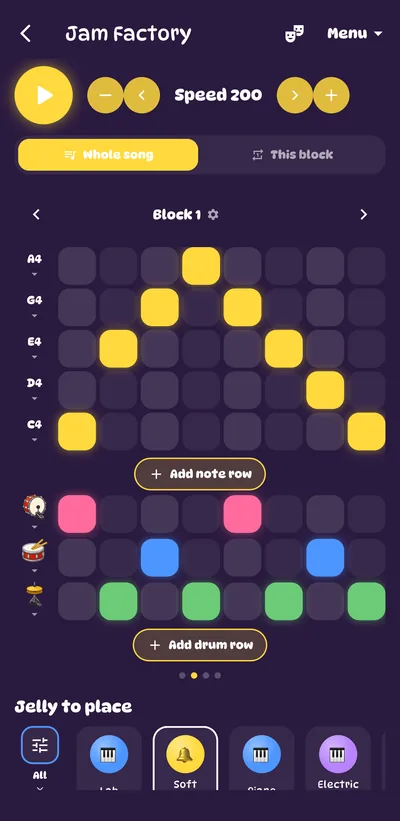
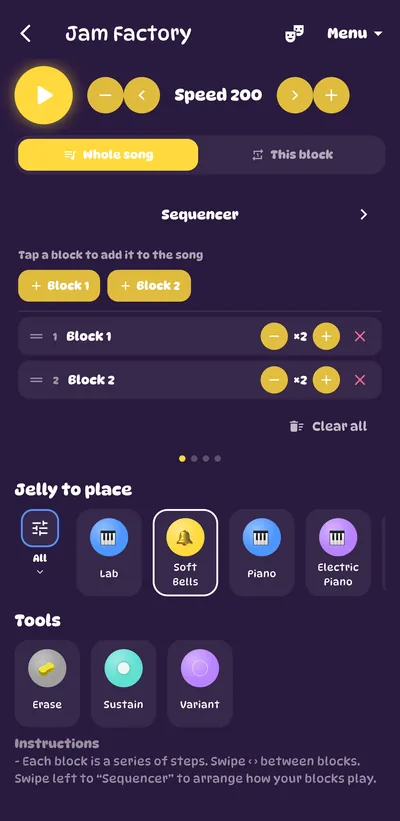
- Pick which jelly to play from the strip at the top — a built-in one or any jelly you've made in the Jelly Lab.
- Lots of jellies to scroll past? Tap the filter button at the start of the strip and choose a family, like Keys, Guitars or Special FX.
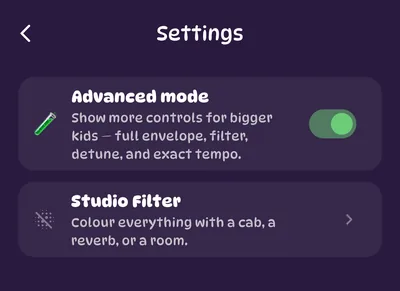
- Simple mode uses friendly notes only, so nothing ever sounds wrong. Turn on Advanced mode in Settings to unlock the full scale with every note.
The families: Keys · Strings · Winds · Brass · Mallets · Guitars · Voice · Synth · Drums · Percussion · Special FX. The instrument jellies are modelled note by note, so a piano really rings and a flute really breathes.